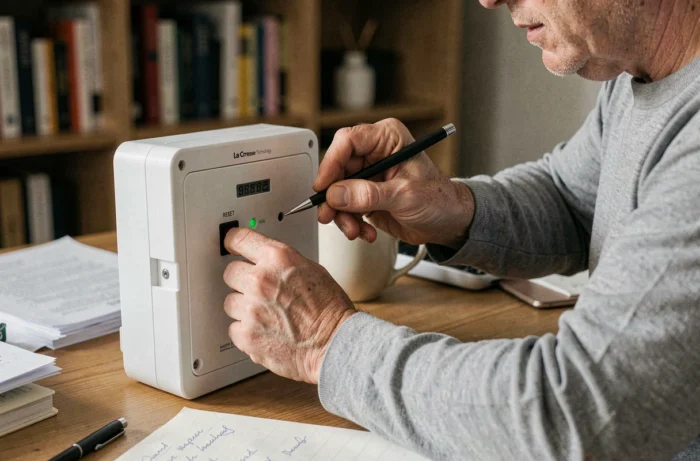
Your La Crosse Technology WS6862 weather station displays dashes instead of the outdoor temperature, or the data seems frozen for several hours. This type of malfunction often occurs after a battery change, a power outage, or simply over time. A complete reset is usually sufficient to restore normal operation. However, it is essential to follow a specific order for the outdoor sensor and the base to synchronize correctly.
Interference and materials: what blocks the signal even before resetting
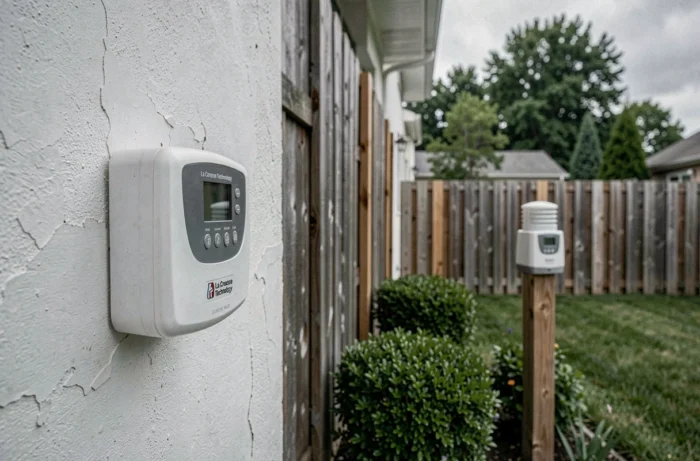
Before touching the reset button, check a often overlooked point: the radio environment around your station. The WS6862 uses IT+ wireless technology to communicate between the outdoor sensor and the indoor base. However, certain materials significantly disrupt this signal.
Reinforced concrete, anti-UV glass, and stucco walls are the main obstacles identified by La Crosse Technology in its official documentation. Each interior wall reduces the signal range, and a refrigerator or microwave placed nearby can interfere with reception.
If you have already tried to reset a La Crosse Technology WS6862 weather station without success, the problem may lie there. Changing the angle or location of the outdoor sensor before restarting the procedure can prevent multiple attempts.
- Keep the base at least one meter away from any electrical device (TV, computer, speakers).
- Place the outdoor sensor high up, out of direct sunlight, with no metallic obstacles between it and the base.
- If your home has reinforced concrete walls, move the sensor closer to a window to reduce the number of walls it has to pass through.
These checks take a few minutes. They make all the difference between a successful reset on the first try and a frustrating series of failures.
Step-by-step reset procedure for the WS6862
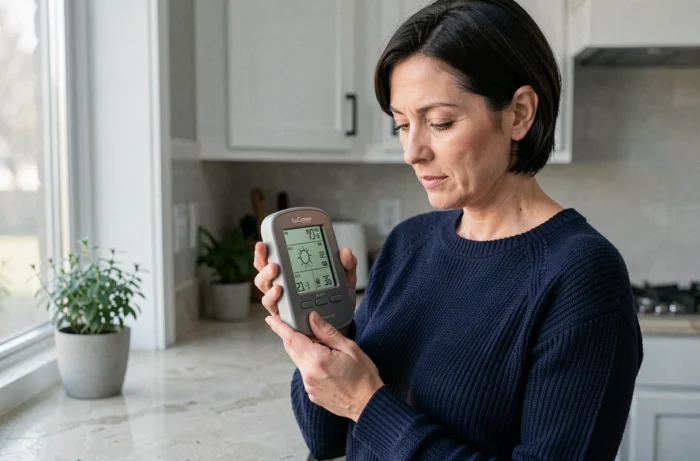
Resetting the WS6862 weather station is based on a simple principle: always start with the outdoor sensor, then the base. Reversing this order prevents synchronization. Here’s how to proceed.
Resetting the outdoor sensor
Remove the batteries from the sensor. Wait at least ten seconds. This delay allows the component’s temporary memory to clear. Then replace it with new, high-quality batteries. Weak batteries cause recurring signal loss.
The sensor will immediately start transmitting its data. You don’t need to do anything else on this side for now.
Resetting the indoor base
Unplug the power supply from the base if it has one. Also remove the batteries. Wait another ten seconds before putting everything back in place.
Upon restarting, the base will automatically search for the outdoor sensor. This search phase can last several minutes. Do not press any buttons during this time. If you press a setting, the base will interrupt detection, and you will have to start over.
The reset button at the back of the device
The WS6862 has a small reset button at the back. It can be operated with a thin object, such as a straightened paperclip. This button resets the factory settings. Use it only if removing the batteries is not sufficient, as it also erases your custom settings (time zone, measurement units, alarms).
Outdoor sensor not reconnecting after reset
You followed the procedure, and the base still shows dashes instead of the outdoor temperature? Several causes explain this blockage.
The most common: the sensor’s batteries were inserted after those of the base. In this case, the base finished its search window before the sensor started transmitting. The solution is to remove everything (sensor and base batteries, power supply) and then restart the procedure in the correct order.
Have you checked the distance between the two units? In open field, the maximum range advertised by La Crosse Technology is 100 meters for IT+ devices. In real conditions, with walls and obstacles, the effective range drops quickly. Temporarily move the sensor a few meters closer to the base to confirm that the signal is passing. If the connection is established, the problem is related to the location, not the equipment.
Last point to check: the transmission channel. If you are using multiple La Crosse sensors, ensure that each is set to a different channel. A channel conflict prevents the base from distinguishing the transmitters.
Warranty and right to repair: what the law provides in case of persistent failure
If the reset does not resolve the issue and your weather station is still under warranty, you have several options. The legal warranty of conformity covers your device for two years from the date of purchase.
If you choose repair rather than replacement of your station under warranty, the legal warranty is automatically extended by one year. This provision protects consumers who prefer to have a device repaired rather than receiving a new one.
French regulations regarding the right to repair also require the manufacturer to offer a repair solution for several years after purchase, depending on the product category. For the WS6862, this means that spare parts (sensors, display modules) must be made available for an extended period.
Before contacting customer service, note the exact behavior of the device after the reset: persistent dashes, inconsistent data, or intermittent signal loss. These details speed up diagnosis.
Settings to check after each reset of the weather station
Once the sensor is reconnected, a few settings deserve a quick check. The time zone and display format (Celsius or Fahrenheit) revert to their default values if you used the reset button.
Refer to the WS6862 user manual to navigate through the menus. The setting buttons are located at the back of the base, and their function changes depending on the displayed screen. Confirm each parameter before moving on to the next, otherwise the previous setting will not be saved.
Monitor the outdoor sensor data during the first few hours. If the displayed temperature matches that of a reference thermometer placed in the same location, the synchronization is correct. A persistent discrepancy of several degrees may indicate a sensor exposed to direct sunlight or a stray heat source.
Resetting the WS6862 remains an accessible operation. Following the sensor-then-base order and checking the radio environment before starting are the two points that make the difference between a quick procedure and a wasted afternoon starting over.